Web Design

Web design is more than just aesthetics; it's about marrying form with function to create a seamless user experience that captivates and converts. Our web design course teaches you how make money building responsive, engaging, and visually appealing websites your client's will keep referring you for.

Custom Tailored Design

Responsive Layouts

Functionality

whisk 5a2115afe49c1658dca42d104d77b4cedr

23 Module Course Outline

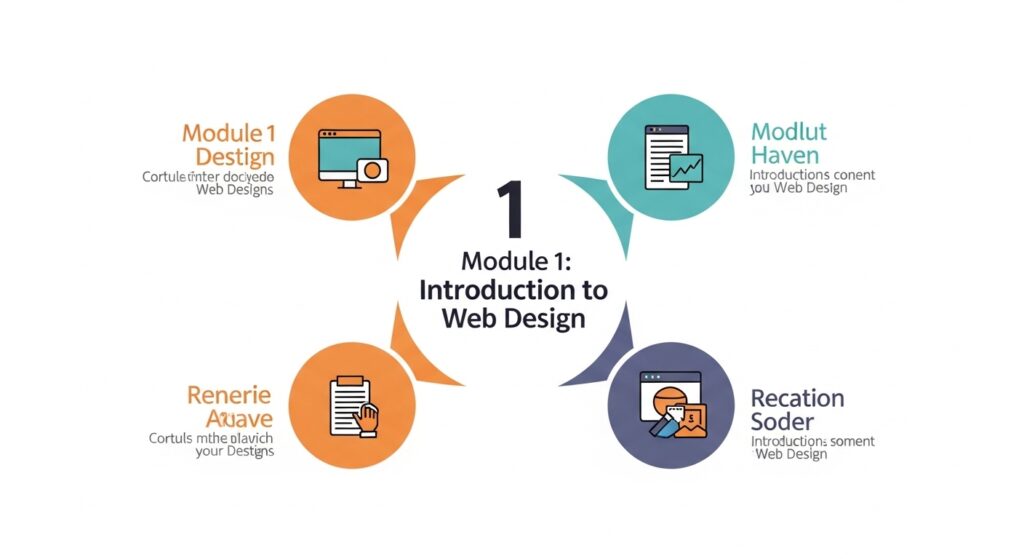
Module 1: Introduction to Web Design

  • What is web design vs web development
  • How websites work (internet, browsers, servers)
  • Types of websites (business, blog, eCommerce)
  • Tools we will use

HTML, CSS, & JS Expertise

Cross-Browser Compatibility

Faster Load Times

whisk 7937c9f3875e0799a974d390533476eadr

Website Structure

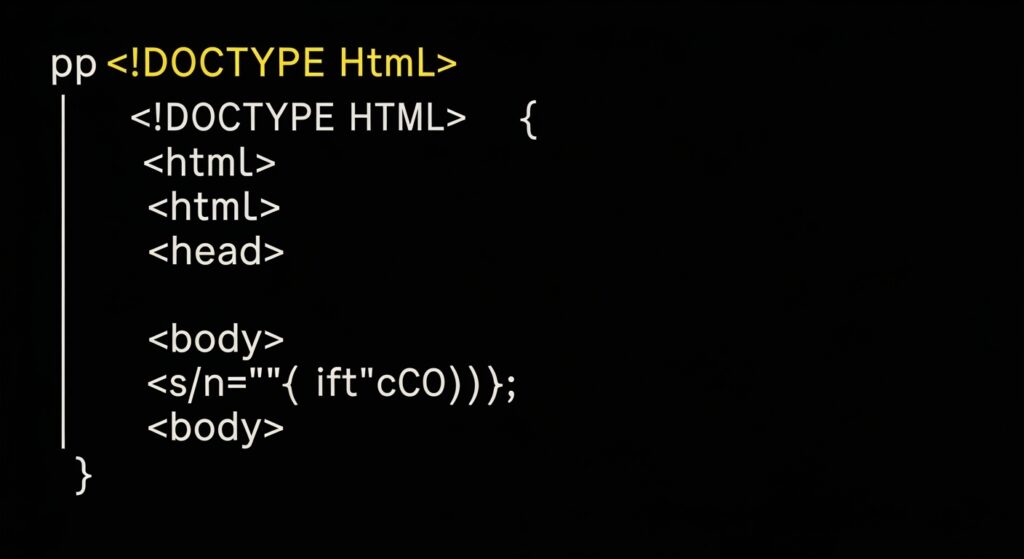
Module 2: HTML Fundamentals (Building Structure)

  • What is HTML
  • Structure of a webpage
  • Common tags
  • Creating your first webpage

Structure

Setup

Brand Guidelines

image fx (5)

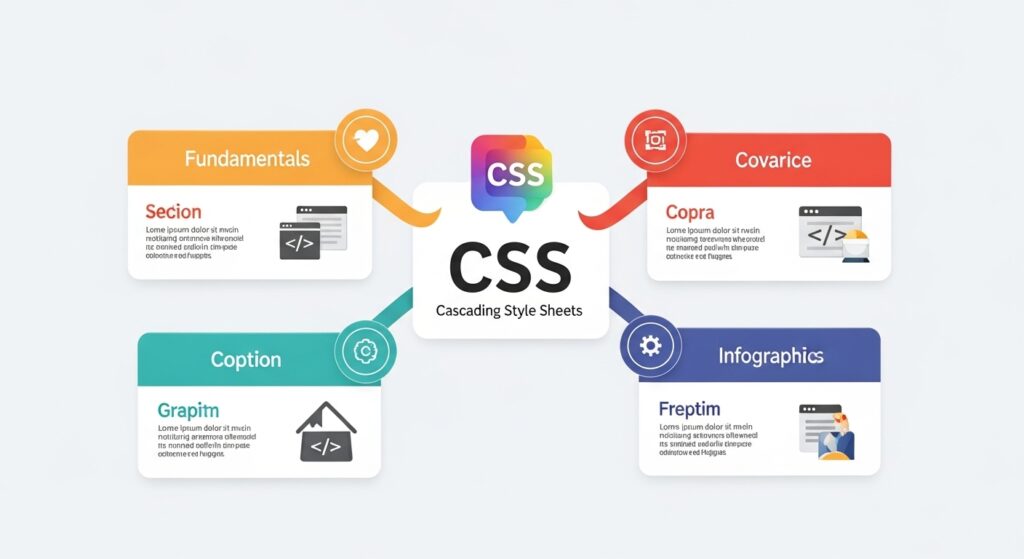
Module 3: CSS Fundamentals (Design & Styling)

  • What is CSS
  • How CSS works with HTML
  • Selectors and properties
  • Colors, fonts, spacing
  • Box model (margin, padding)

Practical:

  • Style your HTML page

image fx (6)

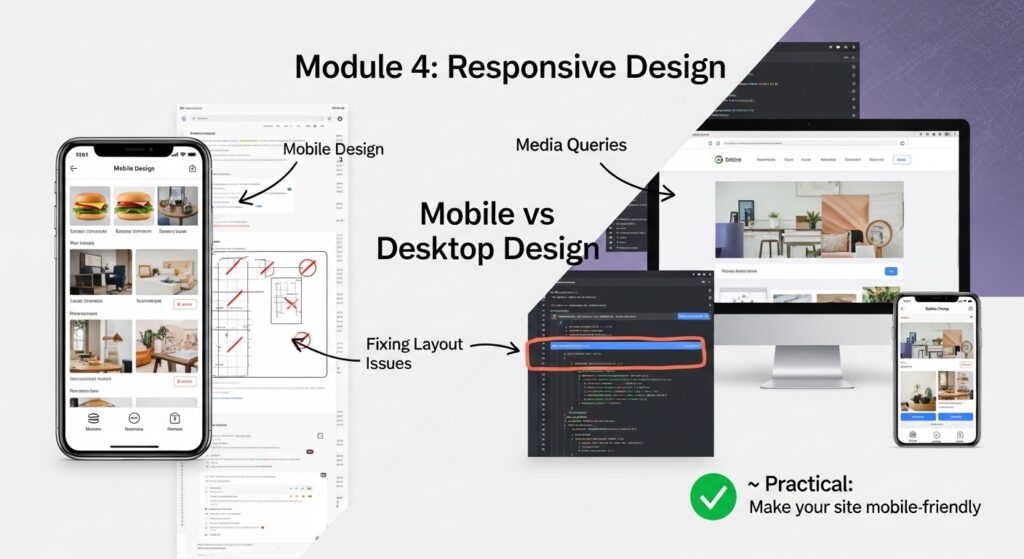
Module 4: Responsive Design

  • Mobile vs desktop design
  • Media queries
  • Fixing layout issues

Practical:

  • Make your site mobile-friendly

image fx (10)

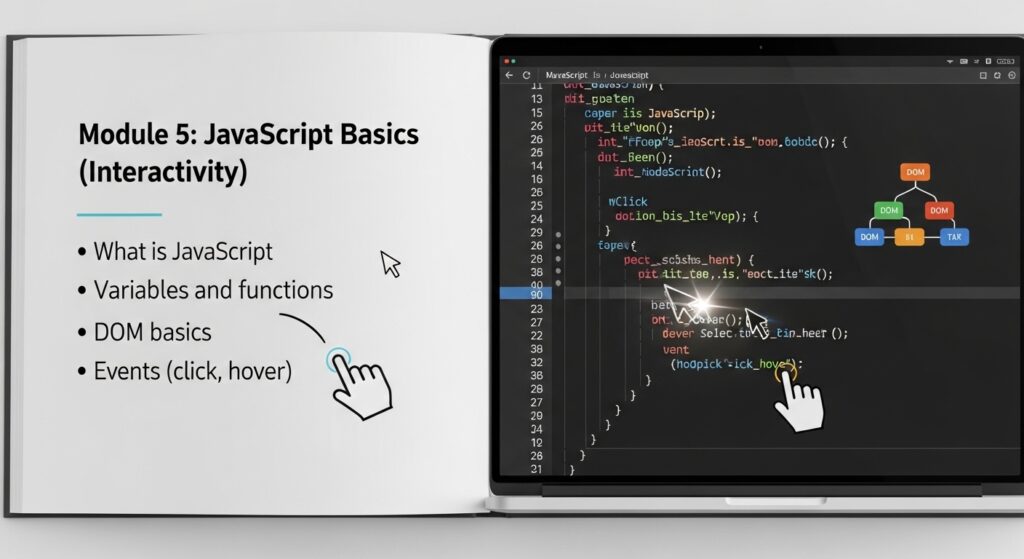
Module 5: JavaScript Basics (Interactivity)

  • What is JavaScript
  • Variables and functions
  • DOM basics
  • Events (click, hover)

Practical:

  • Button click effects
  • Show/hide elements
  • Simple form validation

image fx (15)

Module 6: Domain & Hosting Setup

  • Domain & hosting basics
  • DNS configuration
  • Connecting domain
  • Using CDN (Cloudflare basics)

image fx (18)

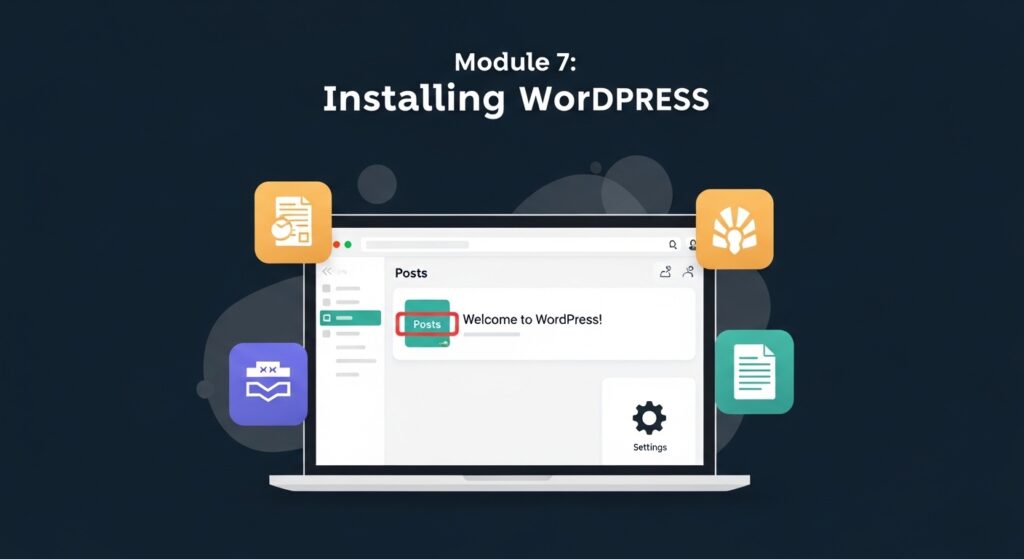
Module 7: Installing WordPress

  • WordPress overview
  • Installation
  • Dashboard walkthrough
  • Settings

image fx (22)

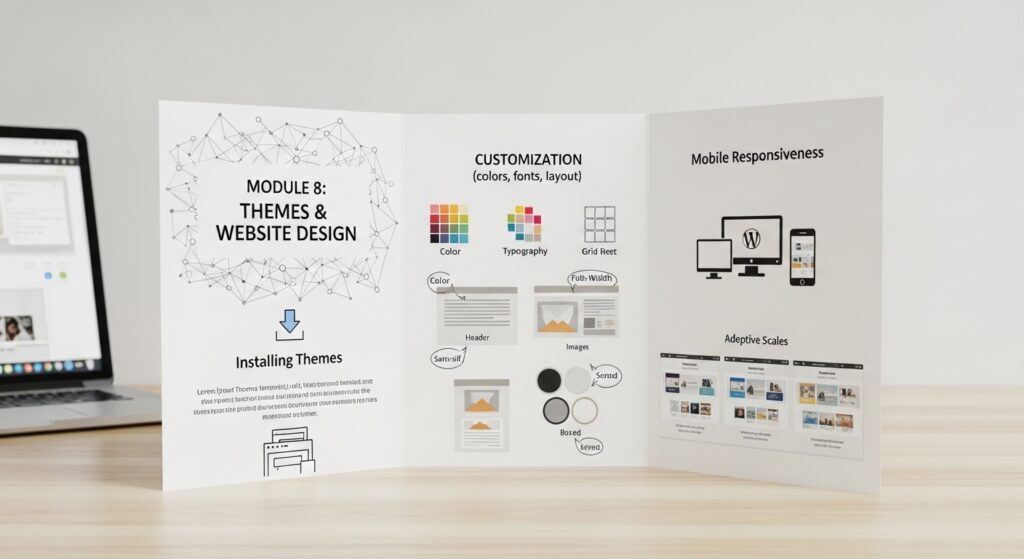
Module 8: Themes & Website Design

  • Installing themes
  • Customization (colors, fonts, layout)
  • Mobile responsiveness

image fx (30)

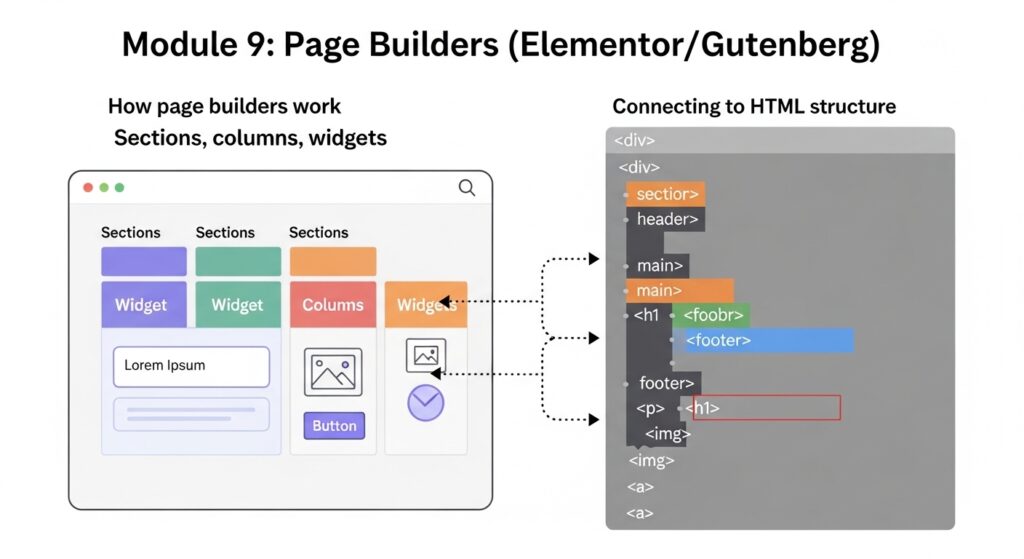
Module 9: Page Builders (Elementor/Gutenberg)

  • How page builders work
  • Sections, columns, widgets
  • Connecting to HTML structure

image fx (33)

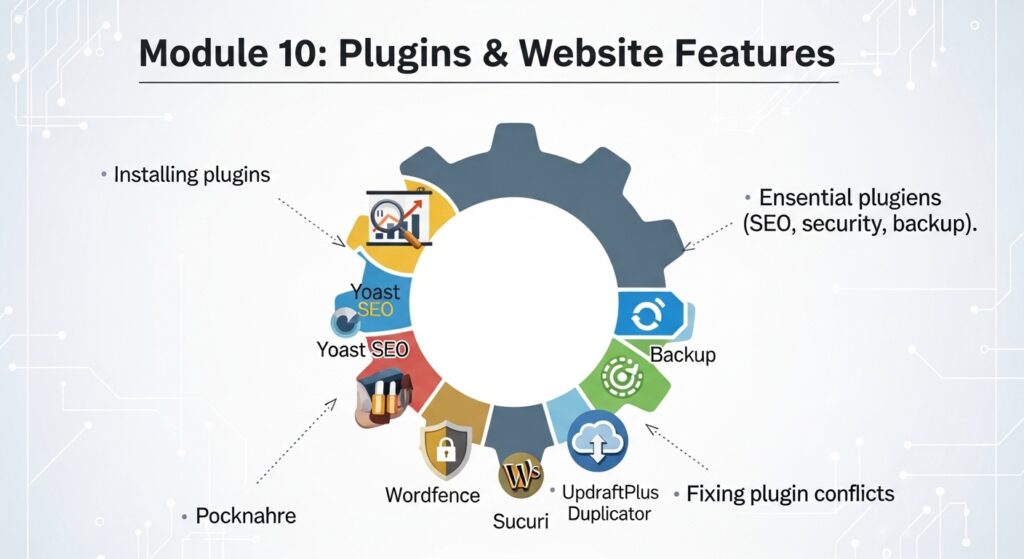
Module 10: Plugins & Website Features

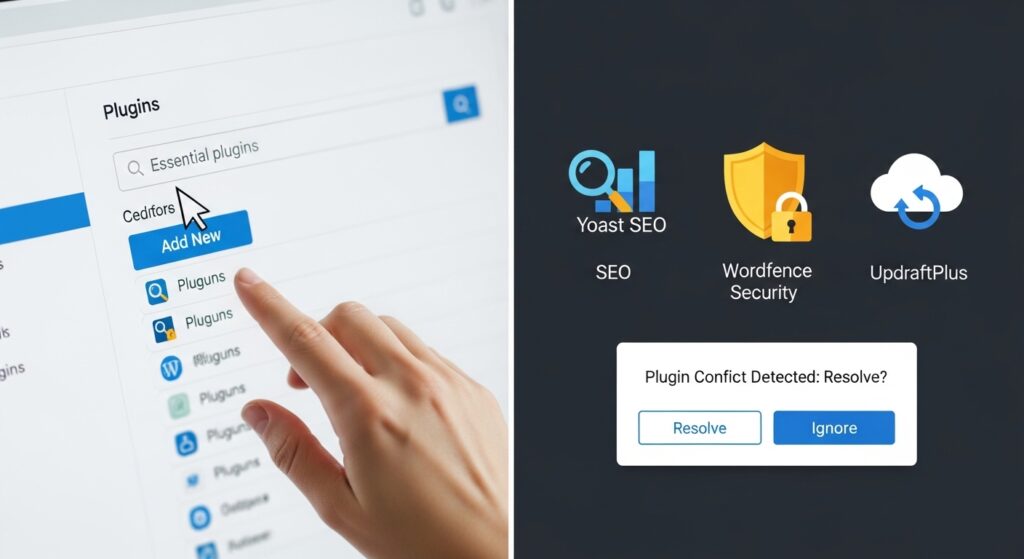
  • Installing plugins
  • Essential plugins (SEO, security, backup)
  • Fixing plugin conflicts

image fx (37)

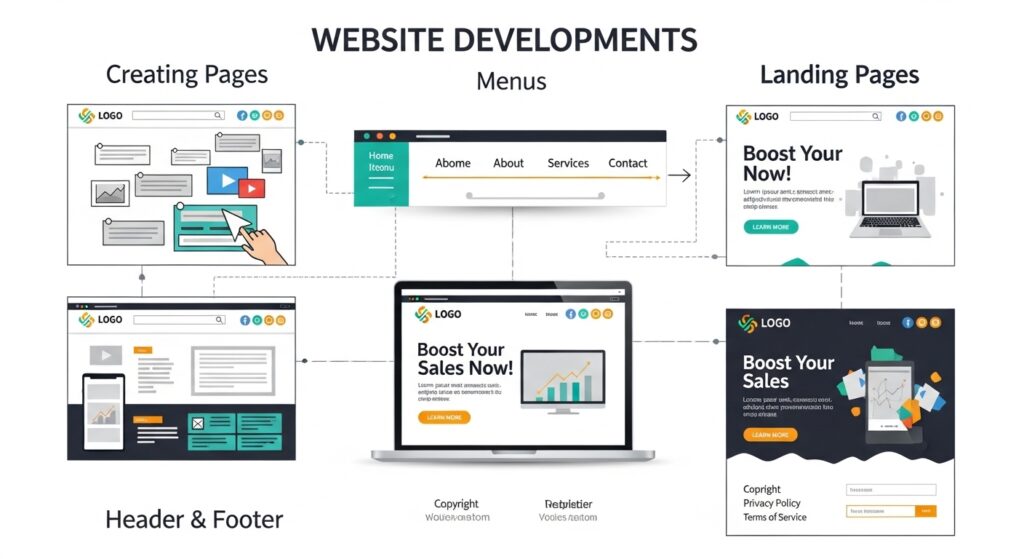
Module 11: Building Pages & Navigation

  • Creating pages
  • Menus
  • Header & footer
  • Landing pages

image fx (38)

Module 12: Customization with CSS in WordPress

  • Using “Additional CSS”
  • Fixing design issues
  • Styling elements

Practical:

  • Customize a live site

image fx (42)

Module 13: PHP Basics for WordPress (Lightweight)

  • What is PHP
  • Basic syntax (echo, variables)
  • How WordPress uses PHP
  • Editing small theme/plugin parts

Focus:

  • Understanding, not mastery

image fx (47)

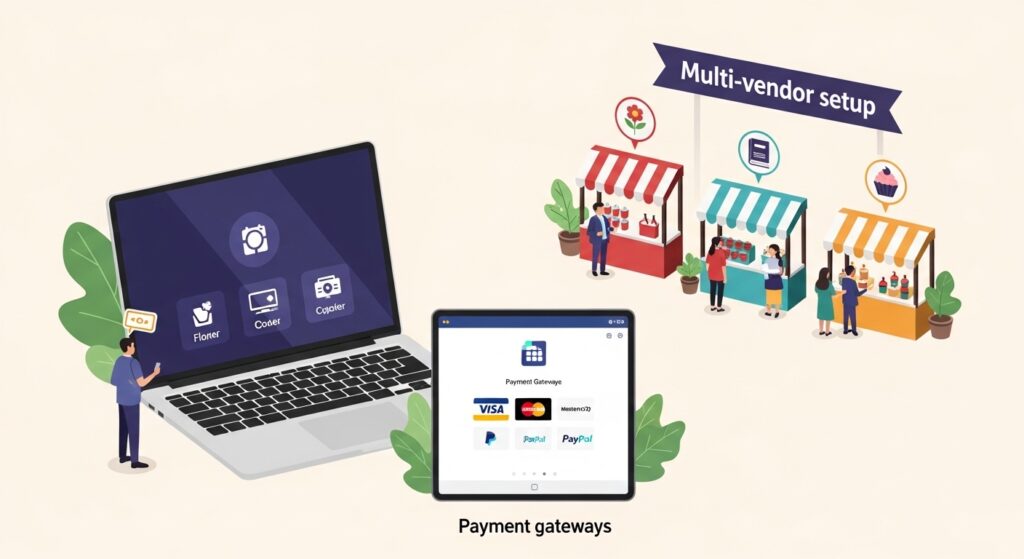
Module 14: eCommerce (WooCommerce + Multi-Vendor)

  • WooCommerce setup
  • Adding products
  • Payment gateways
  • Multi-vendor setup

image fx (51)

Module 15: Website Optimization & Speed

  • Image optimization
  • Caching
  • CDN usage
  • Fixing slow websites

image fx (56)

Module 16: SEO & Analytics

  • SEO basics
  • SEO plugins
  • Google Analytics
  • Tracking performance

image fx (61)

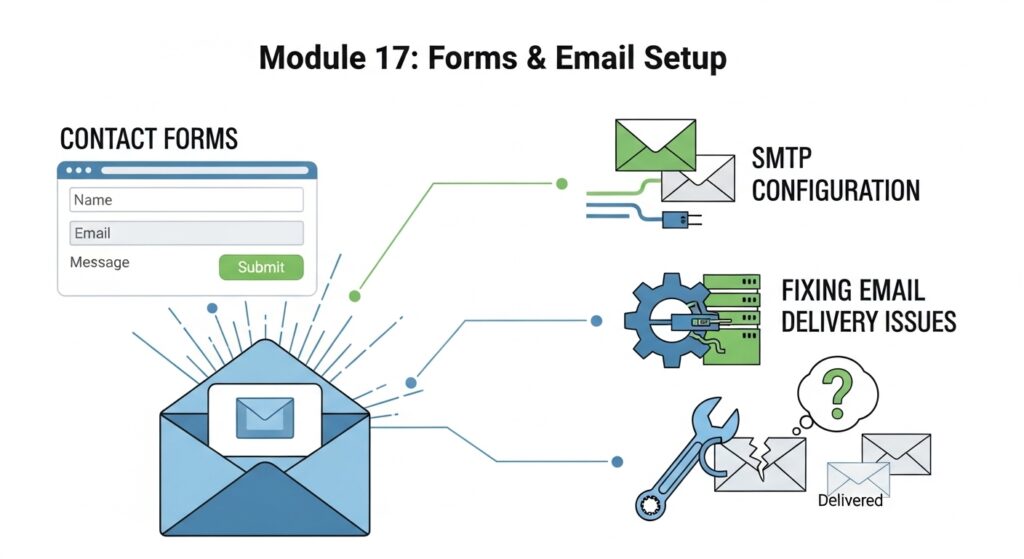
Module 17: Forms & Email Setup

  • Contact forms
  • SMTP configuration
  • Fixing email delivery issues

image fx (66)

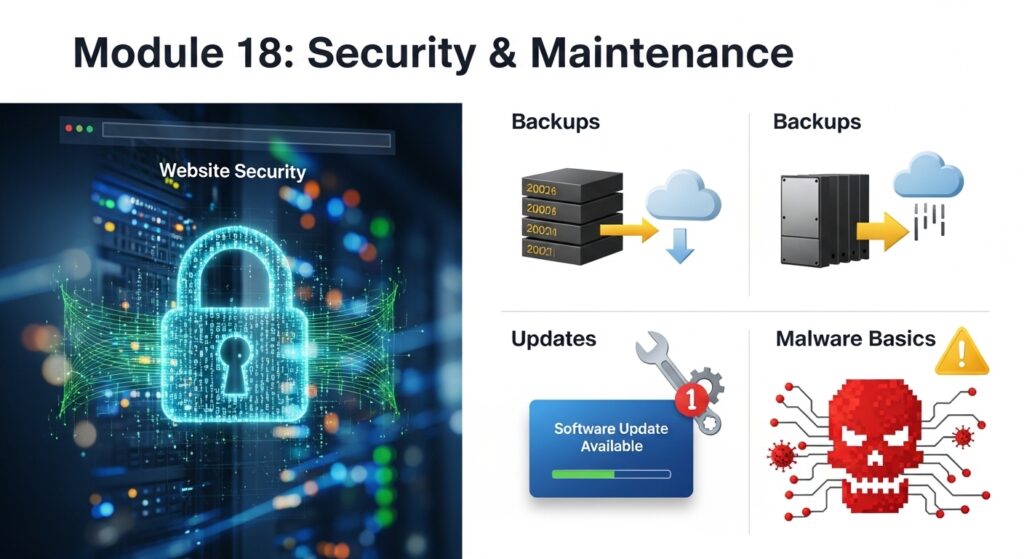
Module 18: Security & Maintenance

  • Website security
  • Backups
  • Updates
  • Malware basics

image fx (70)

Module 19: Troubleshooting & Debugging

  • Fixing 404 errors
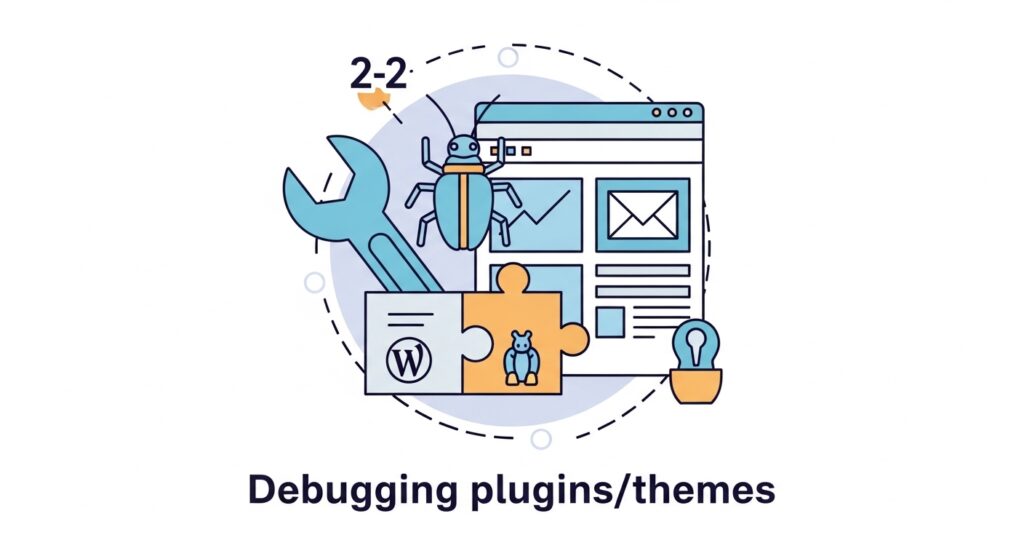
  • Debugging plugins/themes
  • Fixing broken layouts
  • Reading error messages

image fx (74)

Module 20: AI-Assisted Web Design (Vibe Coding)

  • Using ChatGPT, Claude etc for web design
  • Writing effective prompts
  • Generating HTML/CSS/JS
  • Debugging with AI
  • Improving designs with AI
  • When NOT to rely on AI

Practical:

  • Generate and fix a webpage using AI

image fx (76)

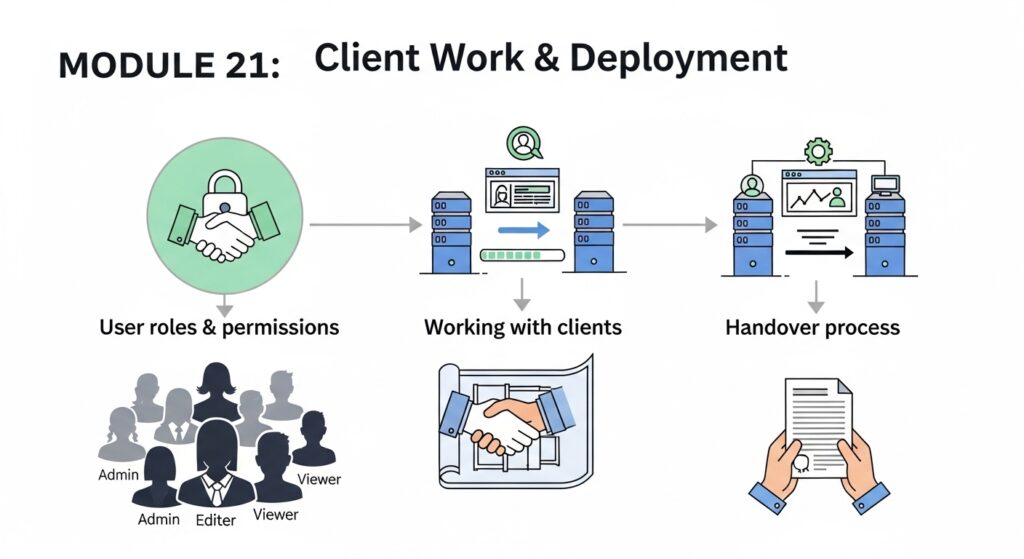
Module 21: Client Work & Deployment

  • Working with clients
  • User roles & permissions
  • Website migration
  • Handover process

image fx (80)

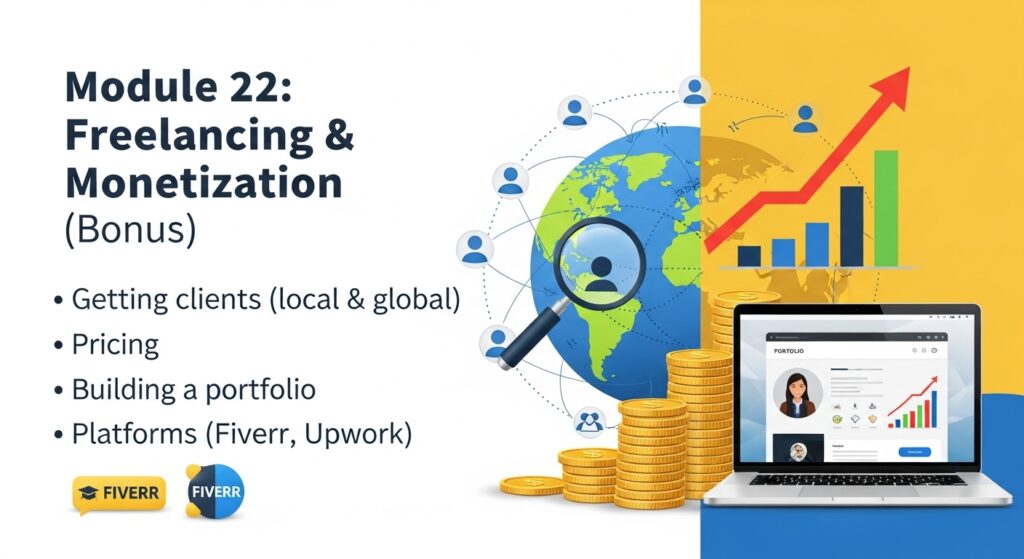
Module 22: Freelancing & Monetization (Bonus)

  • Getting clients (local & global)
  • Pricing
  • Building a portfolio
  • Platforms (Fiverr, Upwork)

image fx (84)

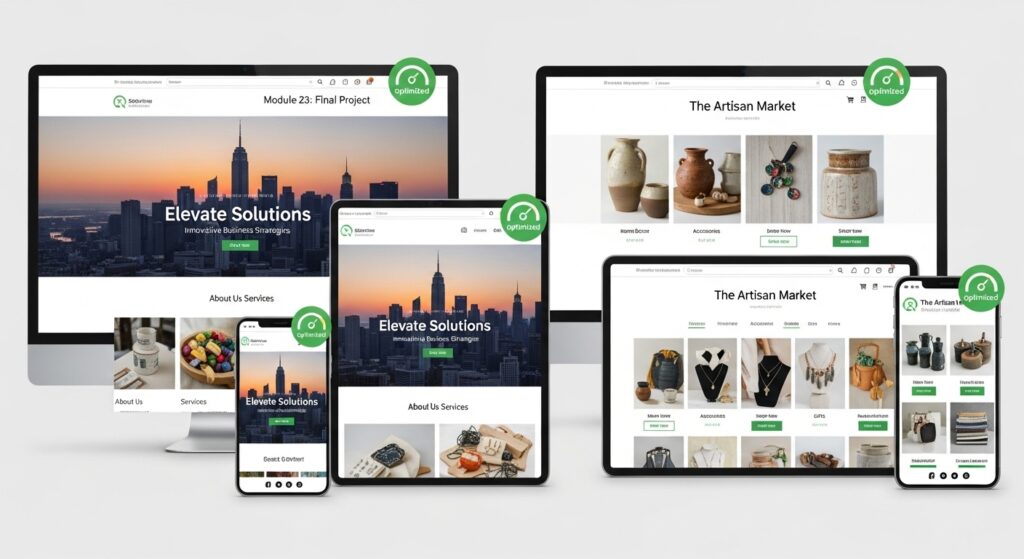
Module 23: Final Project

Students must build:

  • Business website OR
  • eCommerce store


    Grading criteria your website must pass:

    • Mobile responsive
    • SEO-ready
    • Optimized
    • Functional


image fx (87)

What to Expect​

Practical Teaching.

23 modules in 3 months 2 models each week with weekly projects submission reviews and live evaluations alongside prerecorded classes so you can always go back to it.

Clear Communication

Your instructors are there for you, always ask questions and get the assistance you need.

Certification and After Support

Your certificate is waiting for you upon completion which means proper attendance, weekly project and final project submission. You always our first priority for jobs and internships. It will always come to members of the community first.

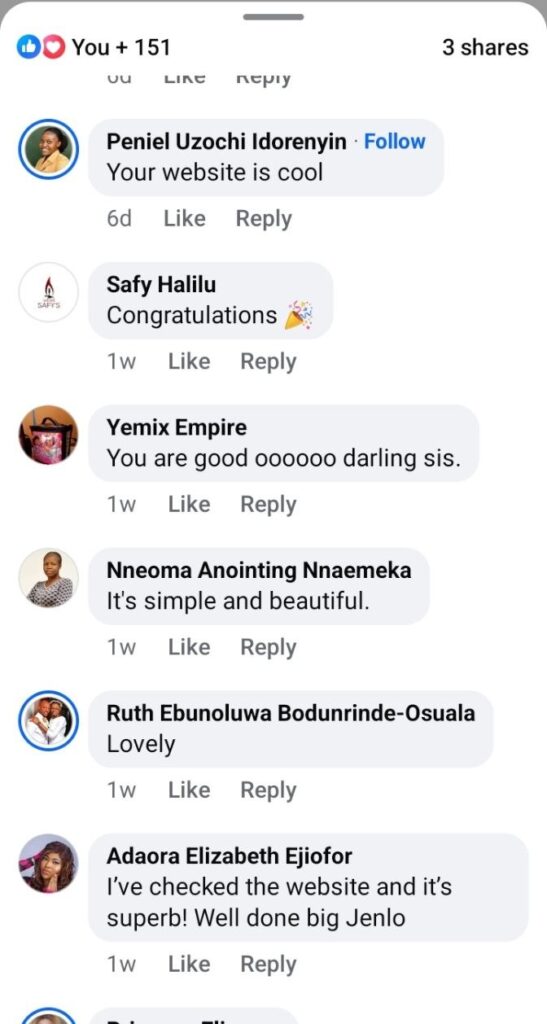
Let your client's do the talking for you like ours do!

photo 5917906657318997142 y (1)
photo 5922272594654598334 y
photo 5922272594654598333 y

Let’s Train you into the next well paid web designer!

Scroll to Top